ux-leo-malinen
Usage of Figma Journal
In terms of the art of designing, a digital interface was once a surprisingly detached affair in a world that was more and more becoming digital in its interface. Historically, designers worked in closed silos, storing indefinite iterations of files and relying on a discontinuous mental model—the unspoken expectation of how a system operates based on previous experience and real world interactions—that design was nothing more than solitary localized desktop software.
Today, at least for this class, what we ended up using to create and improve our wireframes was Figma. Figma is a web based, collaborative, and designative graphics tool that enables various individuals to collaborate on the same file in real time, just like a Google Doc in graphics. Its high learnability, a usability metric indicating how easy specific tasks are to be accomplished by a new user, is what makes it particularly effective.
But learning how to work with a robust platform is not as easy as you think, and even this has some entry obstacles. The process of maneuvering in an entirely new digital workspace is strongly dependent on how well a user can locate a particular feature, tools, or paths just by browsing the visual space. Especially as part of the design of this website means that some of the functions are more recognition over recall. The ultimate power of a tool can only be as effective as the user in finding the functions. This is how my first adventure and exploration of the platform started.
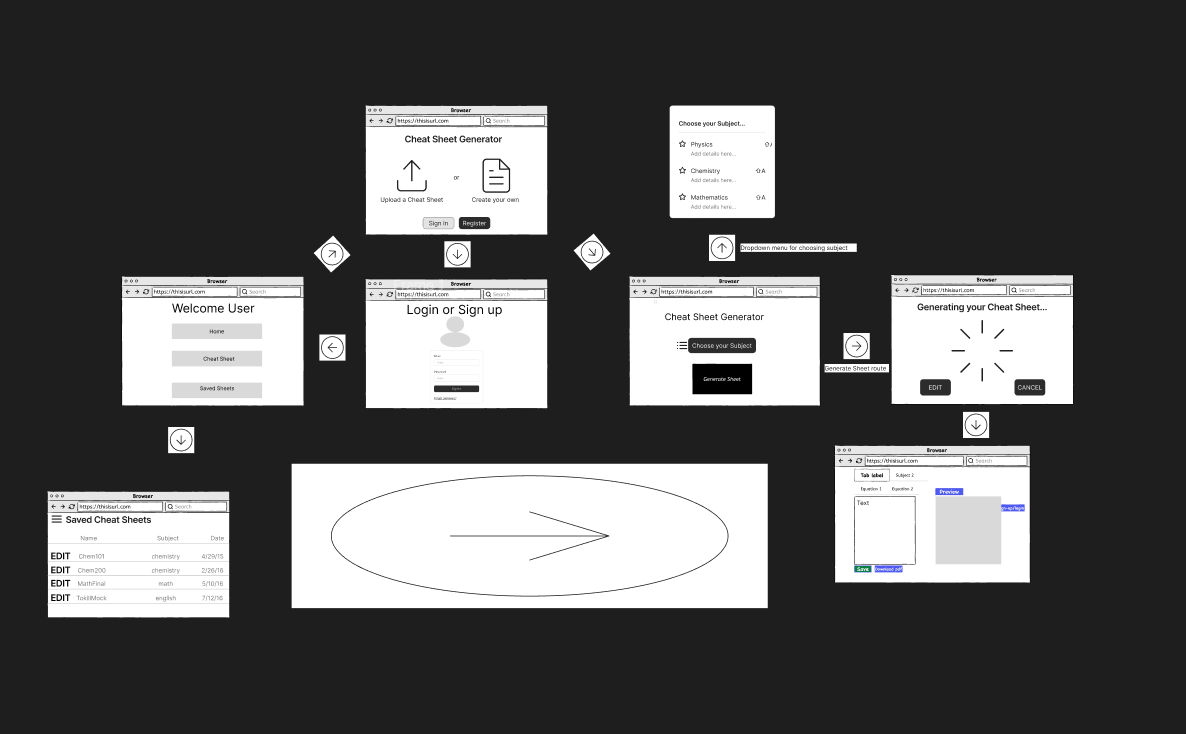 When you look at some of the wireframes and designs, it looks good as a design platform no doubt, but at times it is not the easiest to use. With some of the presets that were given and handed to us by professor Buffardi, it is likelier better than having nothing at all. Even with this however, there are times in which using Figma itself is not fun and at times even infuriating as a non-advanced user.
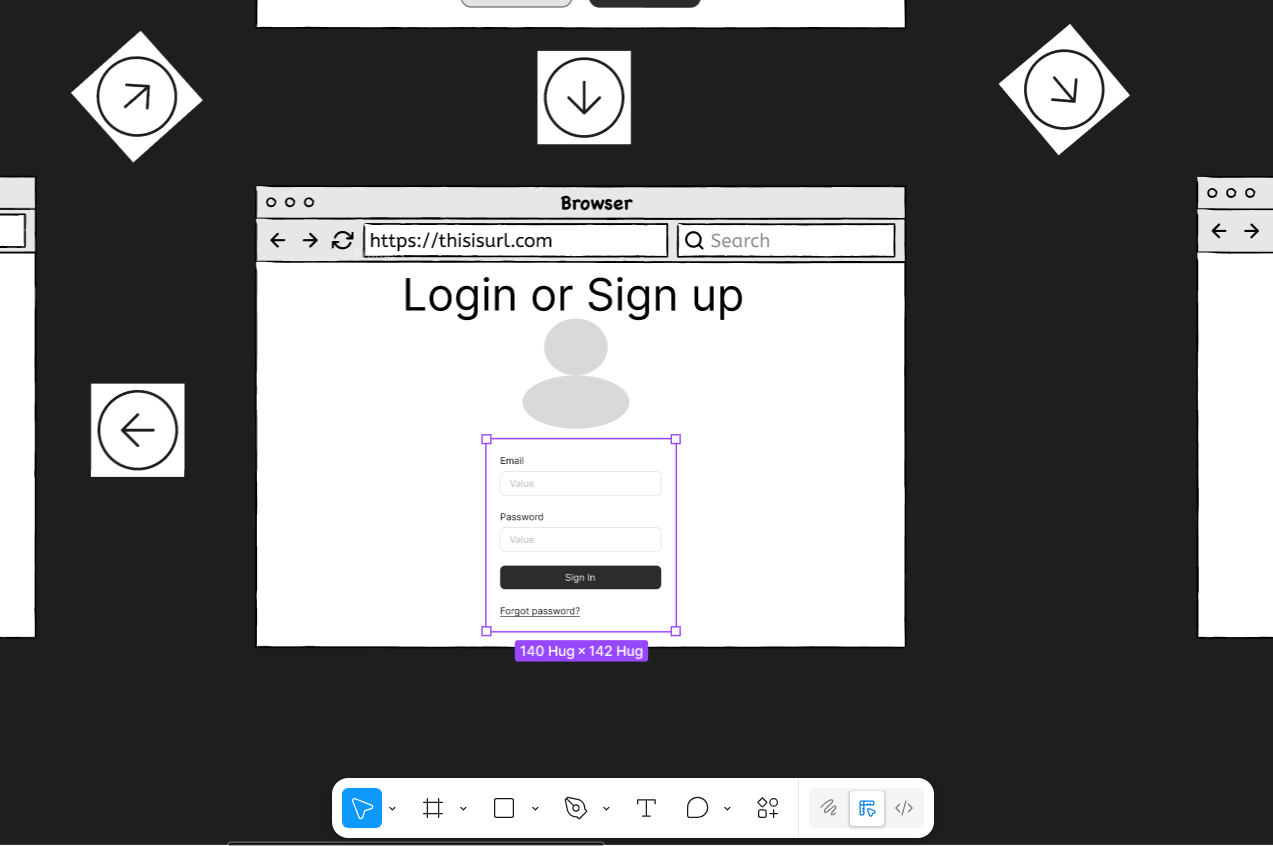
Given this login page, there is for example the element of the sign in page as you can see here. The text and the creation of the mini icon in this wireframe was pretty easy, however this login page was the trickiest part.
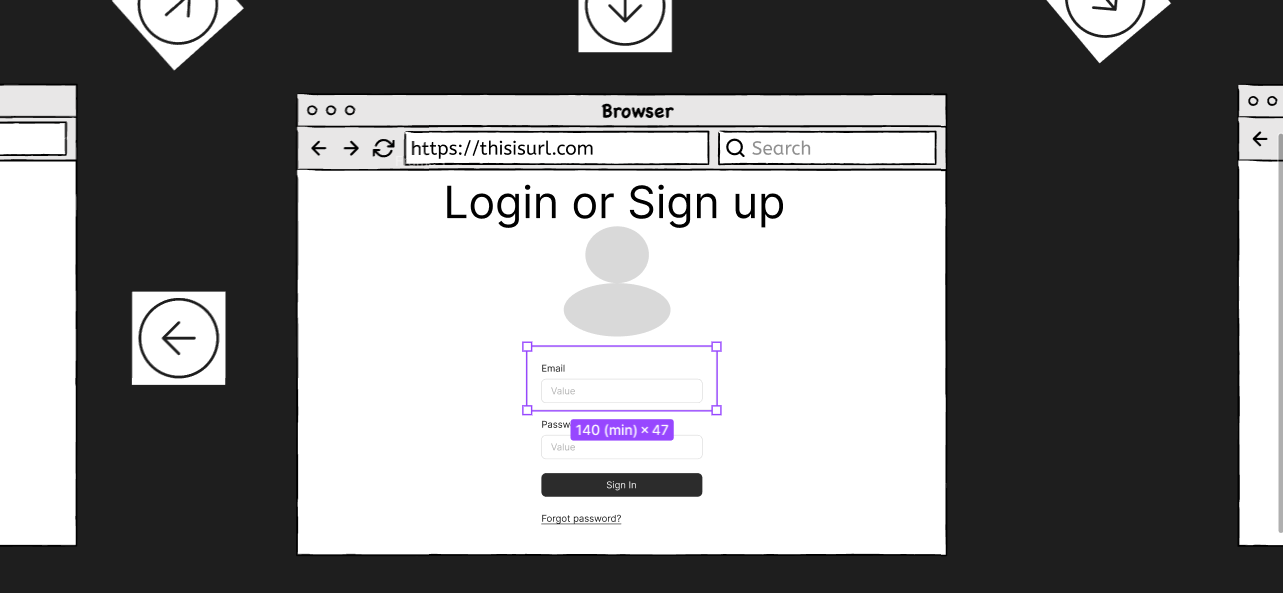
For example, when you try to resize some of the parts that you would like to, you can not use the bordered box to do so. You have to search up if you do not know, and use the resize key bind when selecting the box as a whole.
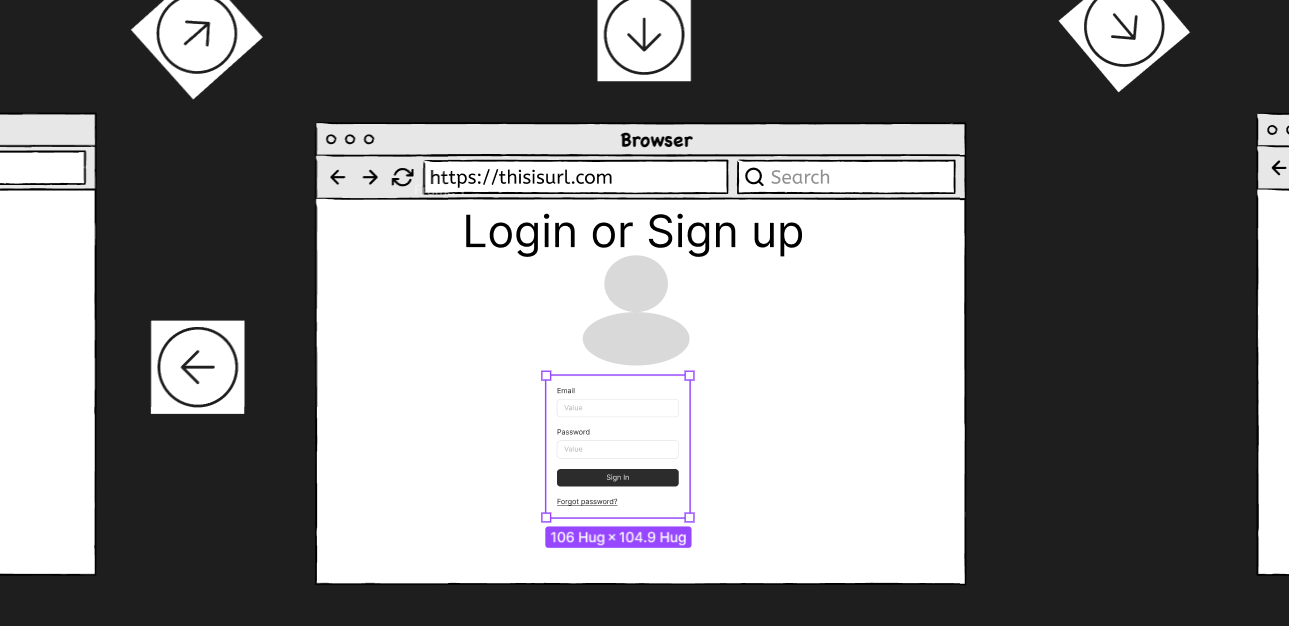
One of the reasons that you cannot resize it without the keybinds is even at selecting all using a marquee element if you click on the corner to try and resize, it unselects the rest of the elements which was a bit odd amongst discovery.
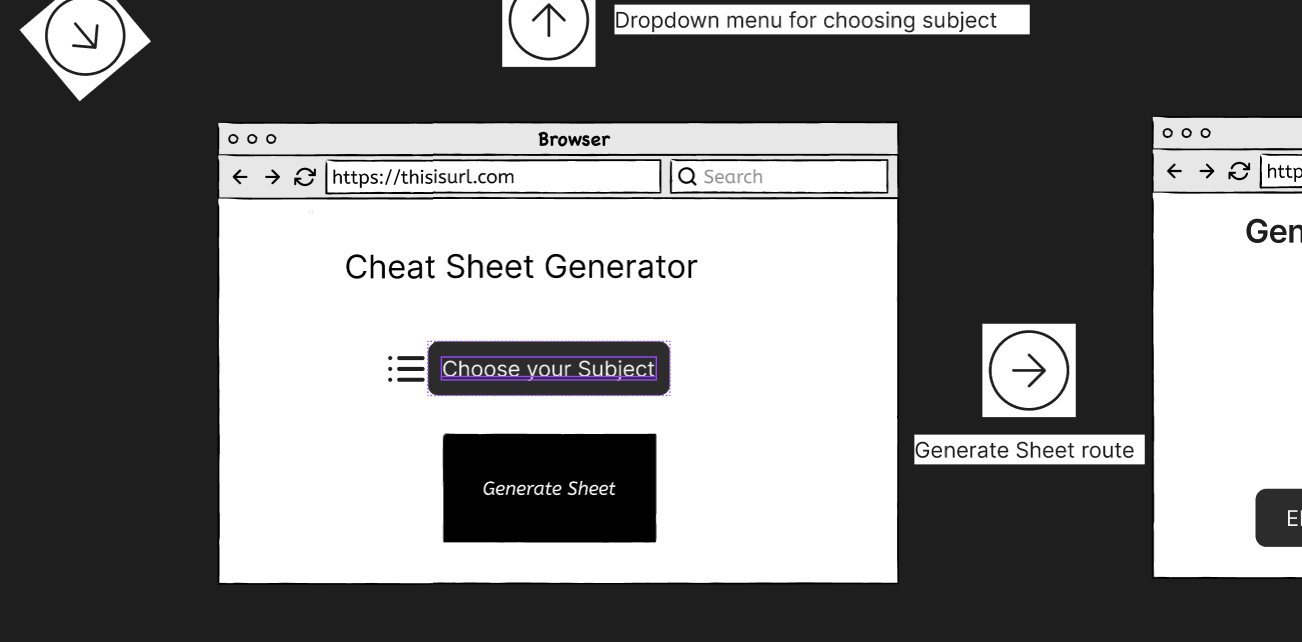
Some other parts that I had noticed was amongst some of the interactions that I had and at least some of the wireframes that I had done, was that if you order some of the elements incorrectly, you need to remove or delete it in order to redo the button for text to be above the block or similar likewise.
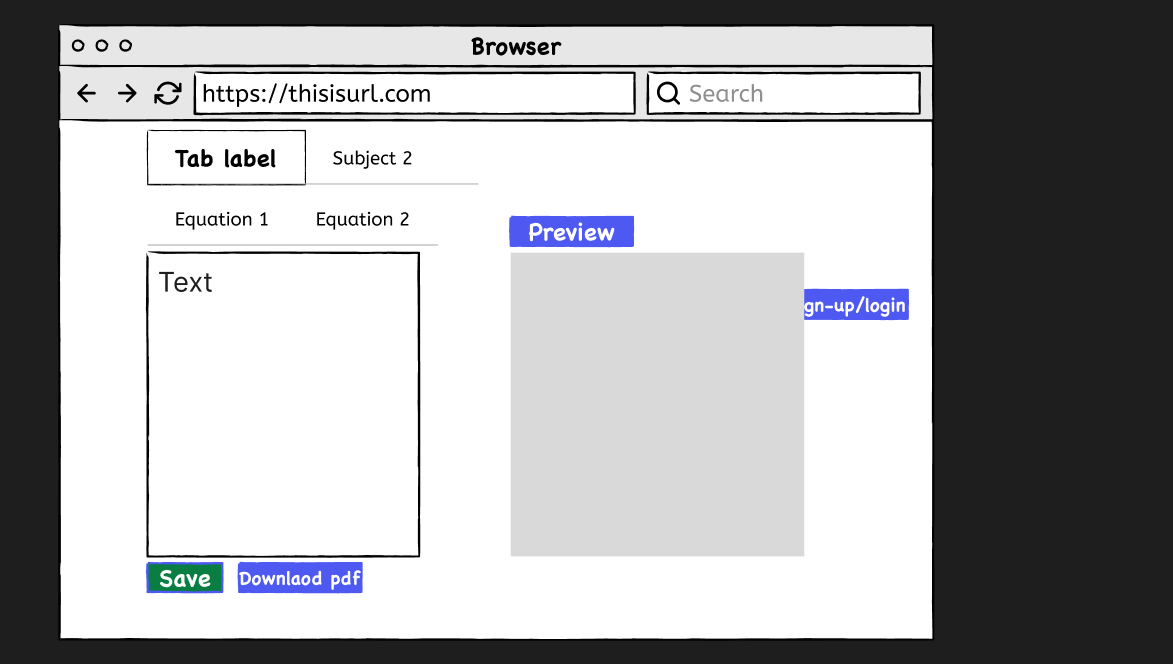
Here it shows the issue in the interaction that I had with the overlap, and as sometimes even with age or something you would believe is coherent would not be and it would appear in the incorrect order.
Ultimately, although Figma is a tremendous step in the right direction, changing the digital design process into a collaborative and real time experience, it remains a challenging experience to get acquainted with at the beginning. Its underlying strategy, which functions as a graphics version and emphasizes recognition rather than recall, gives it a robust theoretical basis of usability. Nevertheless, the powerful potential of the platform is limited with the capability of a user to operate within its particular and even non intuitive workspace dynamics.
The frustrations involved in using particular keybinds to resize elements that are grouped, or the inability to deal with the rigid layering of the tool such that you have to delete and recreate any overlapping assets just to rearrange the visual hierarchy, can easily halt the flow of a designer. Overall, Figma is unquestionably a potent tool that is superior to some other tools or applications, it takes time to master the environment and overcome the frustrating operational aspects that are sometimes frustratingly present in my experience at least.