ux-personal-portfolio-bbynoCode
Deploying Containers
I use portainer to help me deploy and manage docker containers. Docker containers are a form of computer virtualization that help developrs create and deploy software. The most enticing feature about containers is their ability to create reporduceable enviroments, efforlessly managing software dependencies.
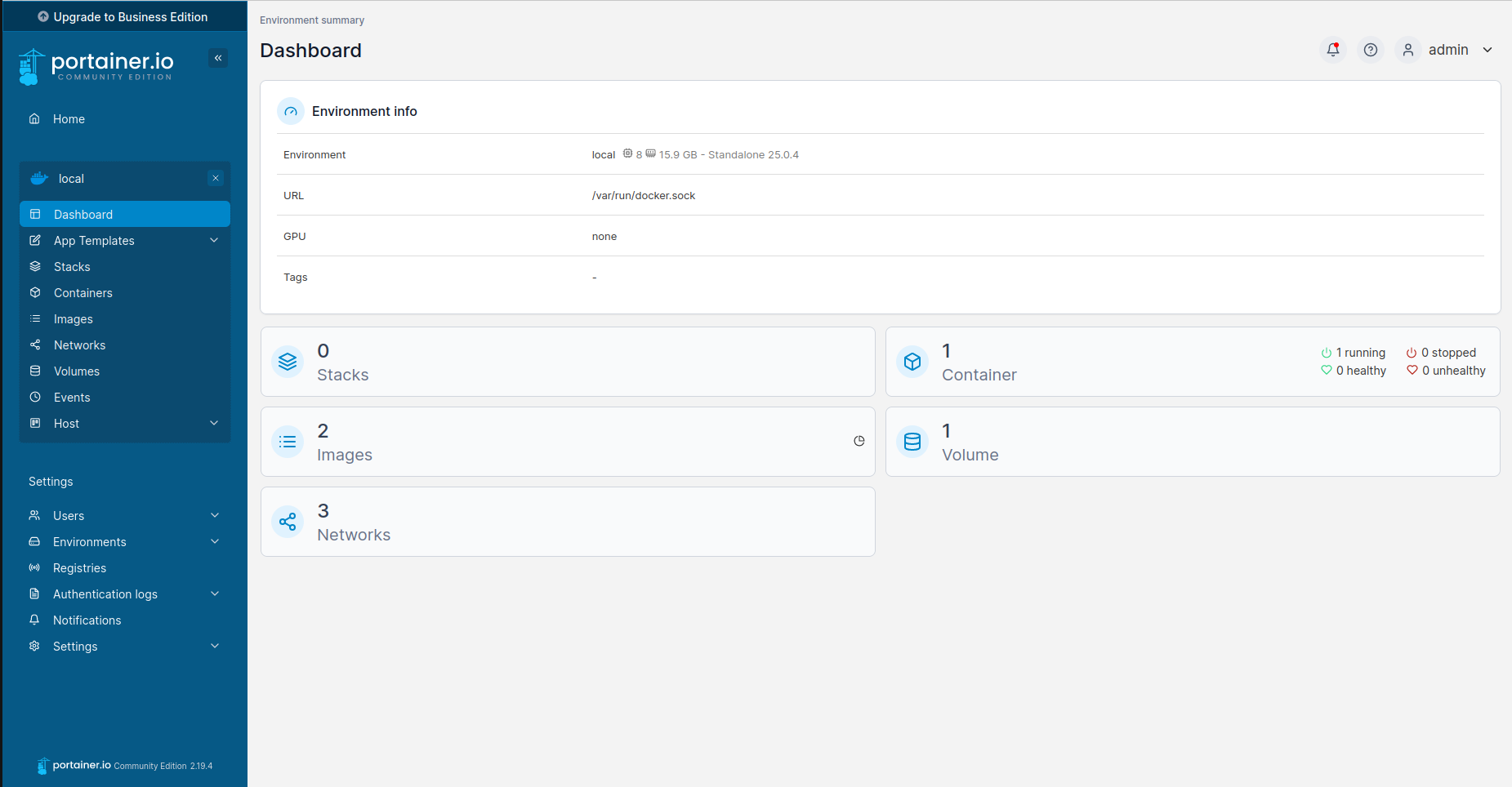
Working with containers usually involves using the linux command line and can sometimes be a tedious process. While in the command line the user needs to know every command for all of the actions that they want to perform. Portainer demonstrates an application of Visibility of System Status , a useability guideline that help users understand what is happening by making the ststem status visable. Here is a screenshot from the instance of portainer that is running on my laptop.
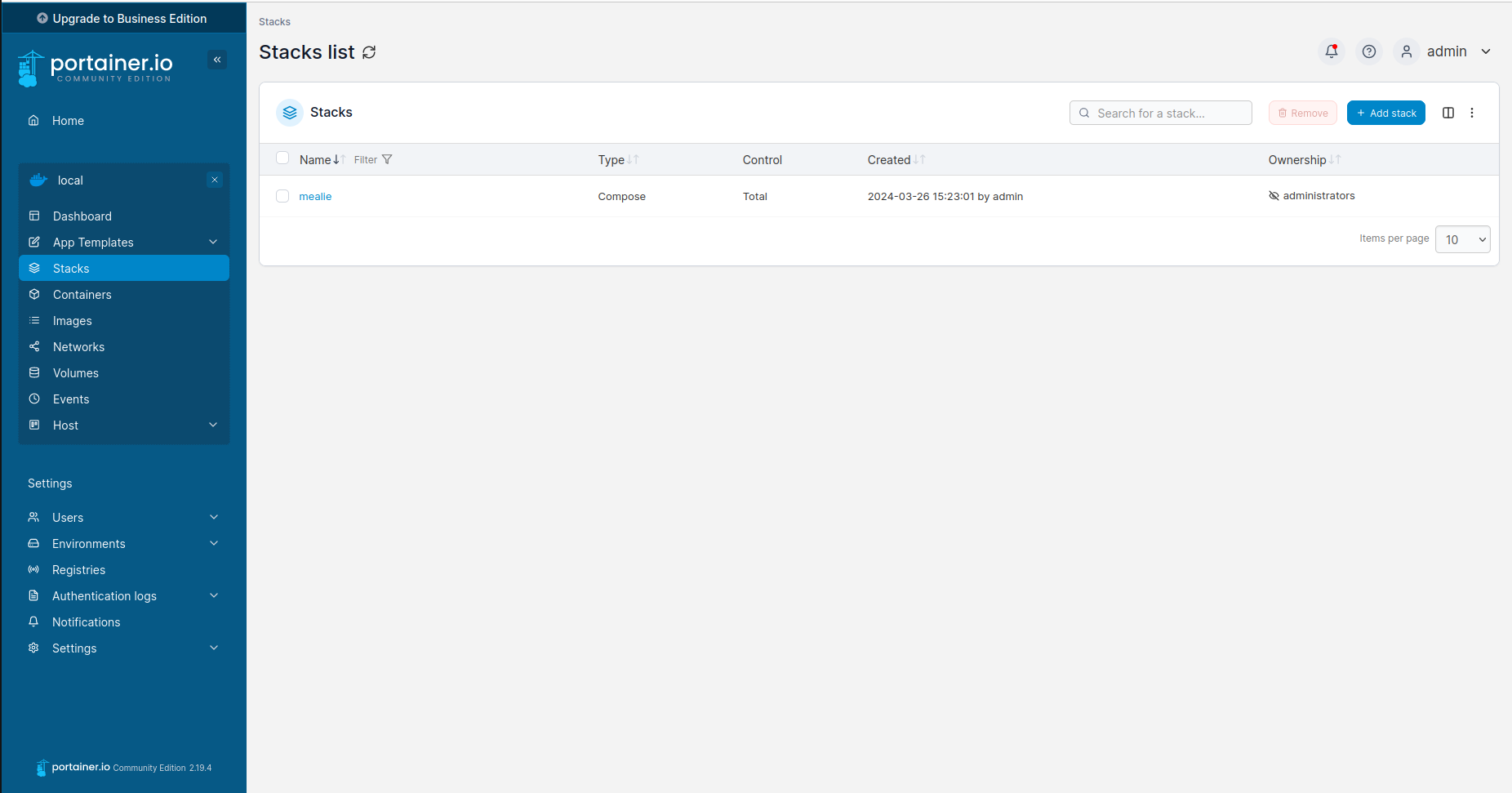
Whenever I want to deploy a new container I click on the selection on the side menue labled stacks. Here I can specify a docker-compose file using YAML.

Once I create my configuration I just have to click on the deploy button on the bottom of the page and portainer saves my new stack as a template as well as also deploying all of the containers that I specified.
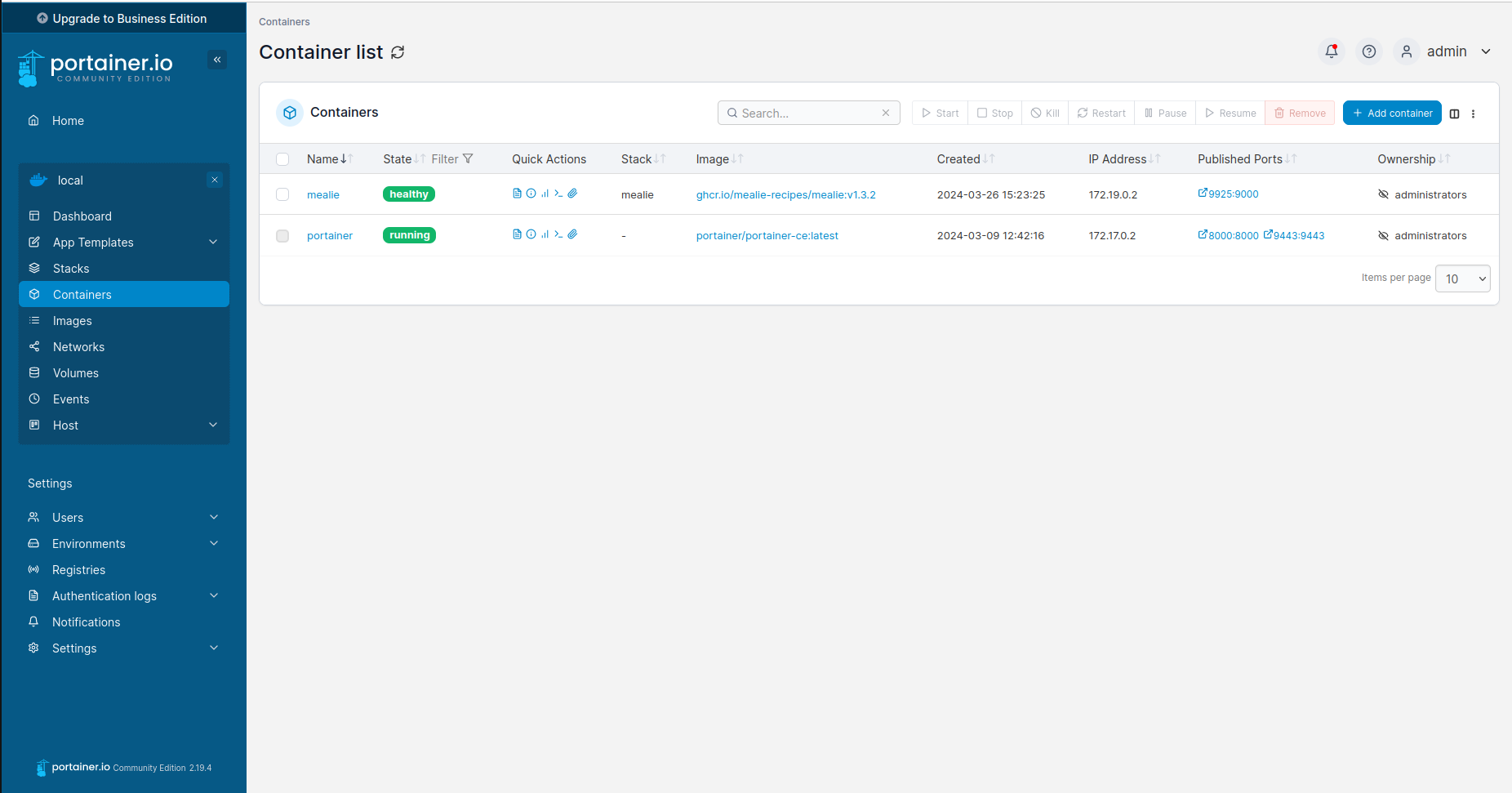
To verify that my container was deployed a click on the containers selection on the side menue. Here I can see that my stack deployed and my container is currently running and healthy. This is a more useable system than the command line for me because I do not have to remember any commands in order to check on the status of my containers.
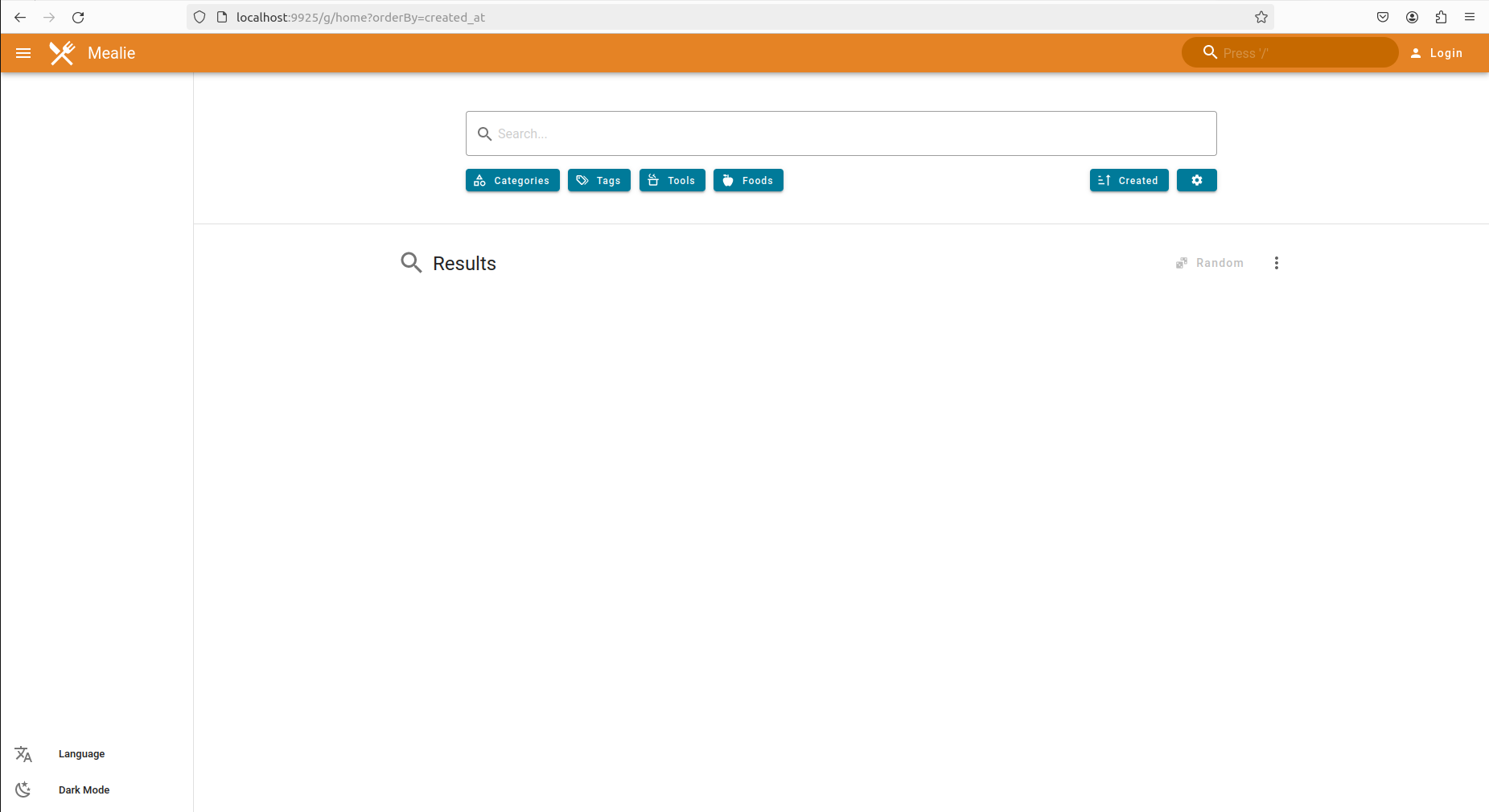
As you can see my application deployed succesfully.